Toggle this function ON
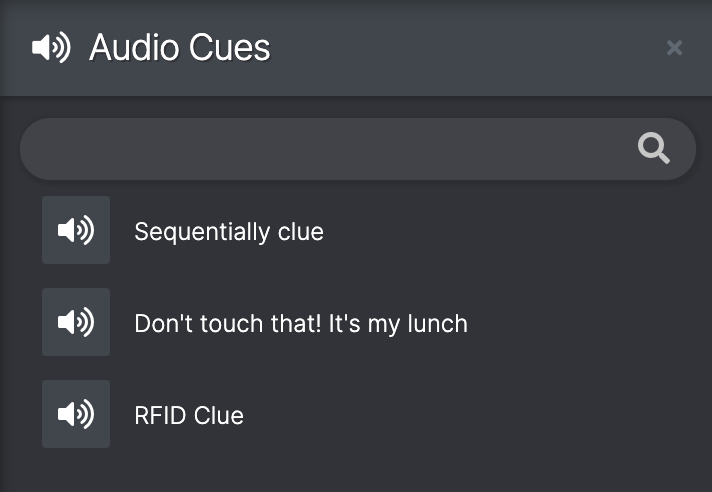
The Audio Cues panel displays all of the audio clips that have been chosen to be manually controlled by the operator in one place.
To play an audio cue, click it once. If you click the clip more than once, the cue will start another layer on top, playing alongside the first play until the clips have finished.
To search for a clue, type a keyword in the search bar
The clips are able to be ordered so that they are only available when certain Scenes are in play - this will have been set by the programmer.