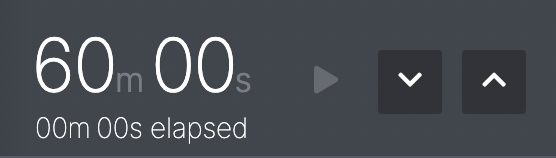
If this feature is activated, the operator is able to manipulate the timer in the top right of the Live screen.
It can be set to count down from a specific time, whilst also showing how long has elapsed.
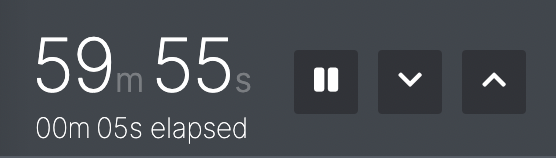
The controls available to you are: adding / removing time and pausing the timer. None of these will affect the elapsed time (which is always counting up).
Clicking either the ‘up’ or ‘down’ arrows next to the timer adds or removes one minute.
This is useful if the timer is important in your show (like an escape room) and you want to give your audience some more official time to complete the show.
Depending on how the timer has been set up, you might be limited in how much time you can add or take away.