DMX: Set Values
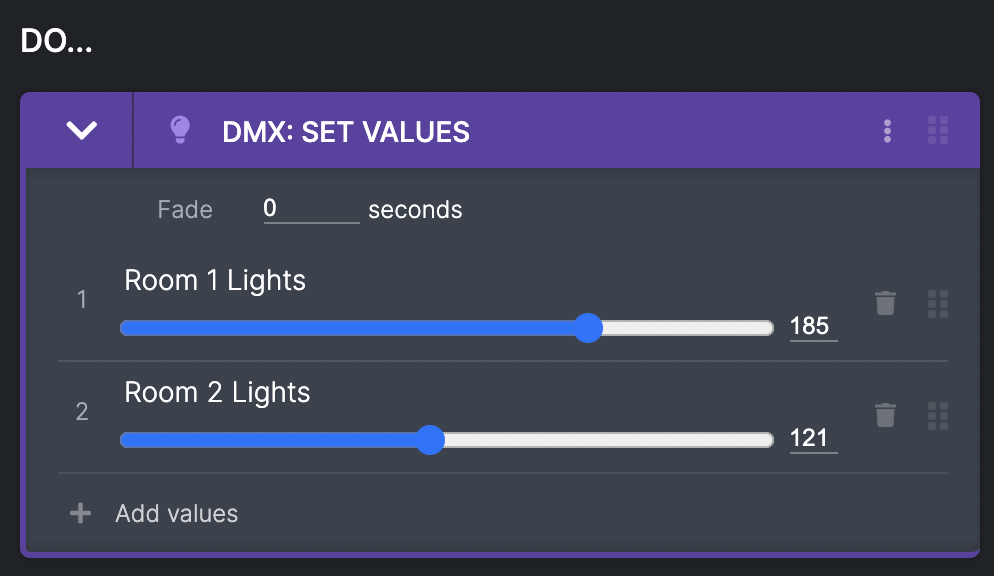
You can set values of chosen DMX channels between 0 and 255.
You can:
- Add as many channel values as you like.
- Add a fade that the values will change to over a chosen amount of seconds. This will change to these new values from whatever current values the DMX channel is already on.
N.B. To add and name DMX channels see DMX
DMX: Start Effect
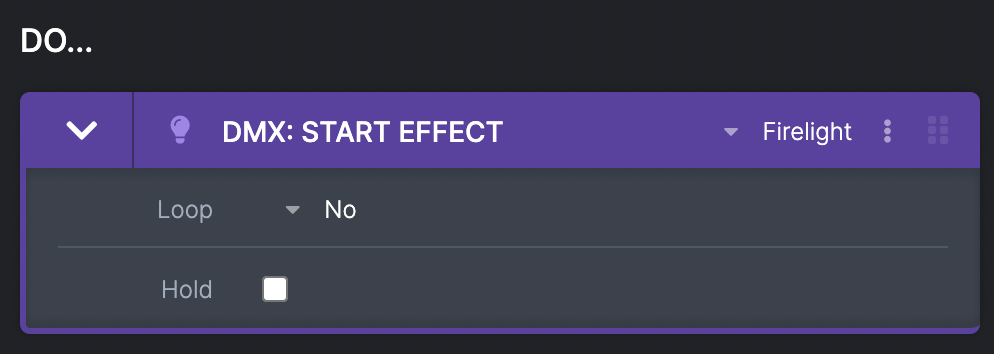
You can start a chosen effect (to find out how to create DMX effects, see Using Effects).
You can:
- Loop - choose how to loop the effect.
- No - the effect comes to an end on the last step.
- A number of times - the effect will loop a chosen number of times.
- Forever - the effect will loop forever (until stopped by ‘DMX: Stop Effect’, or the show ends)